or many small-to-medium businesses (SMBs), accounts payable remains a persistent operational bottleneck. Manually keying invoice data, including dates, vendor names, line items, and totals, into accounting systems drains valuable employee hours, introduces human error, and delays payment cycles. Implementing open-source AI invoice processing solves this bottleneck without expensive enterprise software licenses.
While enterprise-grade Document Processing (IDP) platforms exist, their steep licensing fees and rigid subscription models often place them out of reach for growing companies. Fortunately, the rapid maturation of open-source artificial intelligence has changed the playing field. Today, small businesses can build sophisticated, automated, and secure invoice processing pipelines using free, production-ready AI tools.
Here is how your business can leverage open-source AI to streamline invoice workflows, reduce overhead, and regain operational focus.
The Hidden Costs of Manual Invoice Processing
Manual entry is not just tedious; it is inherently expensive. Industry benchmarks suggest that manually processing a single invoice can cost anywhere from $12 to $30 when factoring in labor, error correction, and lost productivity. Common friction points include:
Data Entry Errors: Transposed numbers and missed line items create reconciliation headaches at month-end.
Slow Turnaround Times: Invoices sitting in email inboxes risk late-payment penalties and strain vendor relationships.
Lack of Visibility: Paper trails and dispersed digital files make cash flow forecasting and audit preparation cumbersome.
Automating this workflow through AI enables businesses to automatically extract, validate, and route financial data directly into enterprise resource planning (ERP) or bookkeeping software with minimal human intervention.
Why Open-Source AI is the Strategic Choice for SMBs
Proprietary Software-as-a-Service (SaaS) platforms charge per page or bind users to rigid enterprise contracts. For small businesses, open-source AI provides a compelling alternative:
Zero Licensing Fees: Open-source AI invoice processing frameworks are free to use, allowing SMBs to allocate resources toward implementation rather than perpetual subscriptions.
Data Sovereignty and Privacy: Financial records contain sensitive vendor and banking information. Open-source solutions can run entirely on local servers or private clouds, ensuring compliance and preventing third parties from training their models on your proprietary data.
Customizability: Every vendor formats invoices differently. Open-source tools allow you to fine-tune models to your specific vendor roster, terminology, and document layouts.
Manual data entry from vendor PDFs and scanned receipts drains hours from finance teams every week. Modern open-source AI invoice processing eliminates this bottleneck by combining optical character recognition, document layout models, and local large language models into a private, zero-licensing-fee workflow.
Whether you are building an internal tool for a growing small business or integrating automated accounts payable into an existing ERP, open-source frameworks now rival expensive enterprise software in both speed and accuracy.
Essential Tools for Open-Source AI Invoice Processing
Building an automated pipeline does not require starting from scratch. Several robust open-source components can be combined to handle different stages of invoice extraction:
1. Optical Character Recognition (OCR) Engines
- PaddleOCR: An ultra-lightweight, highly accurate OCR tool backed by Baidu that excels at recognizing multi-language text, tables, and irregular fonts.
- Tesseract: Maintained by Google, Tesseract remains a reliable, widely supported choice for extracting raw text from standard scanned PDFs and images.
2. Document Understanding & Multimodal Models
- LayoutLM (via Hugging Face): Developed to understand both visual document layout and textual meaning, LayoutLM can identify whether a block of text is an address, an invoice number, or a line-item total based on where it sits on the page.
- Donut (Document Understanding Transformer): An OCR-free model that directly maps document images to structured JSON data, significantly reducing processing complexity.
3. Lightweight Large Language Models (LLMs)
- Ollama paired with Llama 3 or Mistral 7B: By feeding OCR-extracted text into a locally hosted small language model, you can prompt the AI to transform messy, unstructured text into clean, structured JSON schemas with extreme accuracy.
4. Turnkey Document Management
- Paperless-ngx: For teams wanting an out-of-the-box system, Paperless-ngx is an open-source document management tool that scans, indexes, runs OCR, and tags digital documents, serving as a ready-made foundation for invoice storage.
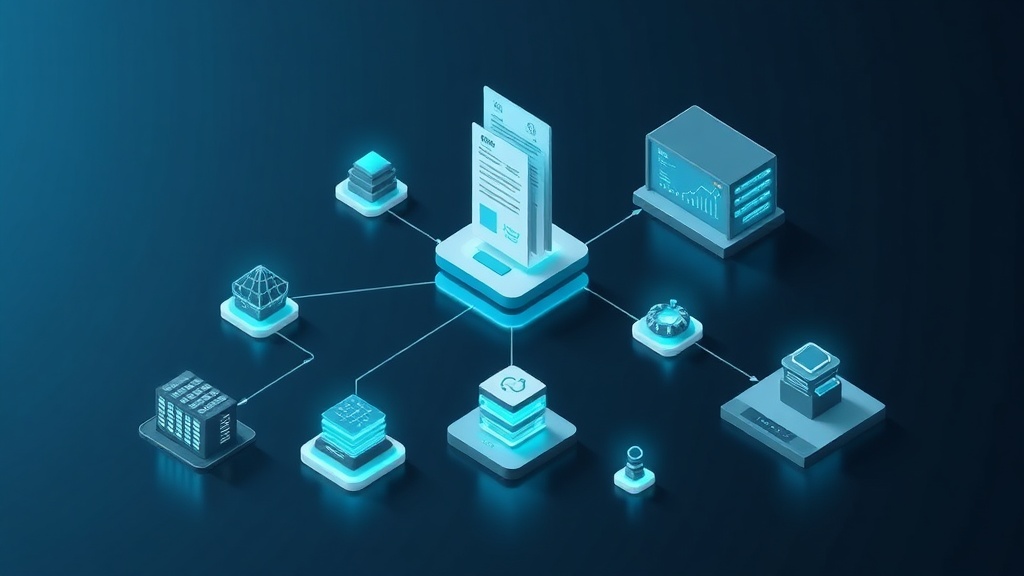
A 4-Step Architecture for End-to-End Invoice Automation
Deploying an open-source AI invoice processing engine generally involves four distinct stages:
Step 1: Ingestion
Set up a centralized gateway to receive invoices. This can be an automated script that monitors a dedicated inbox (e.g., invoices@yourbusiness.com), an Amazon S3/Nextcloud folder, or a secure upload portal.
Step 2: Extraction (OCR + Layout Analysis)
When an invoice arrives, the document is passed through an OCR engine like PaddleOCR to extract bounding boxes and text. For invoices with complex tables, a model like LayoutLM can distinguish between headers, rows, and footnotes.
Step 3: Structuring with a Local LLM
Pass the raw extracted text into an open-source LLM (such as Mistral 7B running locally via Ollama). Use structured prompting to enforce a strict output format. For example:
Extract the following fields from this invoice text: Vendor Name, Invoice Number, Issue Date, Due Date, Line Items (Description, Quantity, Unit Price), and Total Amount. Output strictly in JSON format.
The LLM standardizes diverse vendor formats into a single, predictable schema.
Step 4: Validation and ERP Integration
Before data hits your general ledger, run basic programmatic validations (e.g., verifying that Subtotal + Tax = Total Amount). Once validated, a Python script or an open-source automation tool like n8n can push the structured data directly into accounting platforms such as QuickBooks, Xero, or an open-source alternative like ERPNext.
Best Practices for a Seamless Rollout
- Implement Human-in-the-Loop (HITL): Never allow an AI pipeline to pay invoices automatically without initial oversight. Set up a review interface where an accounts payable clerk approves the parsed data. Once accuracy consistently exceeds 95–98%, you can introduce automated thresholds for trusted vendors.
- Standardize Document Quality: Poor-quality scans and low-resolution smartphone photos degrade extraction accuracy. Encourage vendors to send native vector PDFs rather than scanned physical copies whenever possible.
- Start Small and Iterate: Do not try to automate every supplier on day one. Identify your top 5 to 10 recurring vendors who account for the bulk of your invoices, fine-tune your pipeline for their templates, and scale outward.
Looking Forward
Using open-source AI invoice processing is no longer a luxury reserved for multinational corporations with seven-figure IT budgets. By harnessing modern open-source AI tools, small businesses can eliminate repetitive operational overhead, cut processing times from days to seconds, and free up their teams to focus on strategic growth and customer value.